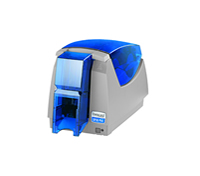
It is frustrating to have gotten so far. You have designed the ID card layout and gotten all the approvals. You have obtained all of the custom information about each card, double checked the database of information and gotten the information imported into the ID card software. Pictures for each employee have been matched up with the data and you are ready to go with the print job. Then it happens, the print ribbon in the ID card printer breaks causing the print job to stop. What needs to be done now?
Printer ribbon breakage is a common and frustrating problem wihen trying to complete a badge printing job. It is important to remember that just because a printer ribbon breaks or gets jammed inside of the printer, it is not time to throw the ribbon away. Do not start with a new print ribbon until the old one is used up and ready for the trash. The ribbon that breaks can be rolled forward and cards can continue to be printed with the ribbon until it is used up.
Important tips to keep your printer ribbon from breaking are the following:
1. Keep your printer clean. All printers have cleaning kits designed especially for them. The kit contains cleaning accessories that assist in preventing card feed errors, keeps cards from slipping on dirty rollers and keeps the print head free of dirt that can also cause costly printhead repair.
2. If you have changed the printer driver settings recently, a broken ribbon will remind you to restore the printer driver setting to their original default settings.
3. Some printer models have ribbon sensor collaborations that can be performed through the printer driver. Check with your owners manual to see if this applies to your brand and printer model. If so, take the necessary steps to adjust as directed in your operators guide.
4. Sometimes the card design will cause a print ribbon to break. A card designed with color and information completely to the edge or over the edge of the card can cause ribbon breakage. This breakage can also occur with card designs that are very dark in color.
5. Remember that you can only print on a PVC card one time in full color. If you try to reprint over a card for the second time (on the same side of the card), you will not have clear printing results. This action can also cause a print ribbon to stick to the card as it passes through and break the ribbon.
Safe-Card ID offers plastic ID card printers and ID card software. Toll free technicial help is available with every system purchased from Safe-Card ID.


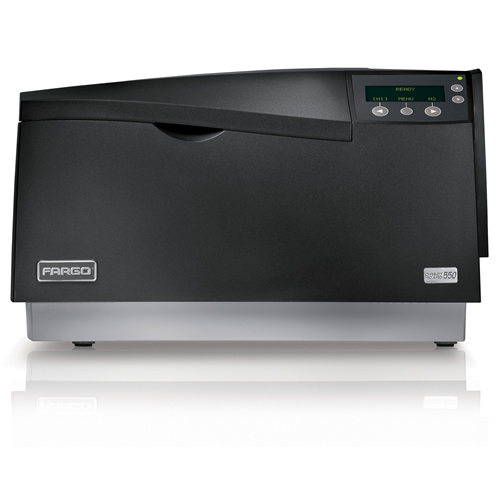 If you are experiencing one of more thin white lines that travel the entire length of a printed card and the problem persists with every card, it is possible that you have a chipped, scratched or externally damaged printhead. It is also possible that it could be a blown pixel in the printhead.
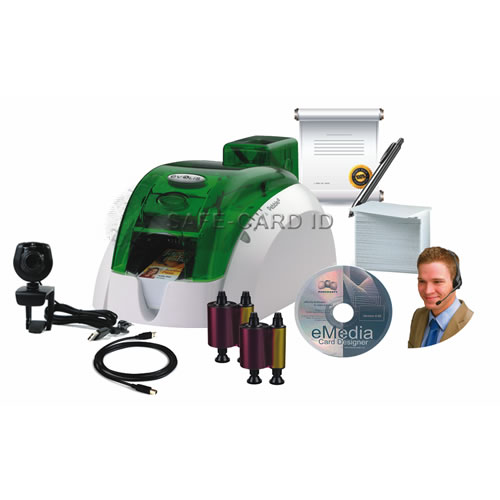 The decision has been made. An ID badge system is needed for your organization. Important decisions will need to be reviewed and made at this time to get started. Specific requirements of your badges may call for a special module in the printer or a special software version to make sure that your badge needs are met. Prepackaged systems are perfect for most small businesses and organizations, however, it is important to take a peek at the options to make sure that your organization is set up not only for today, but for future badge printing requirements.