Fargo DTC500 Printer Prints Light Edges

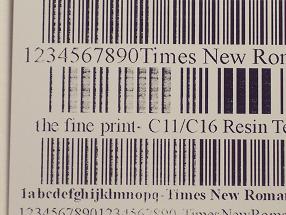
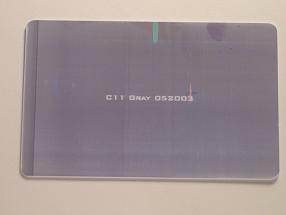
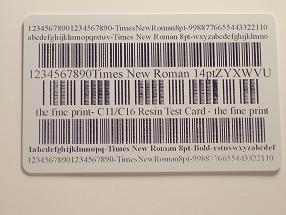
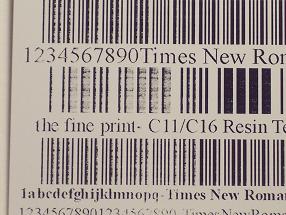
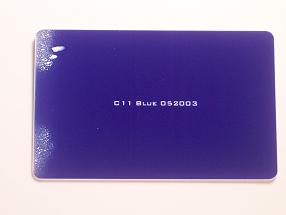
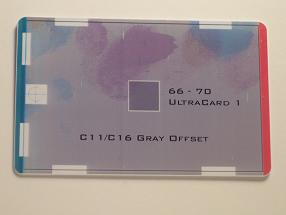
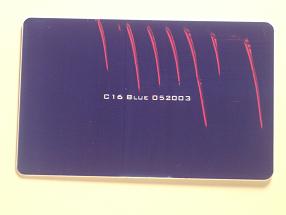
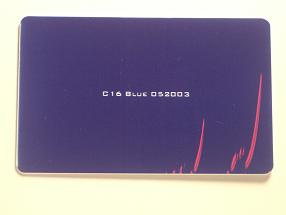
Various ID card printing issues cause ID card printing output to be substandard to requirements. The following recommendation may be helpful to those who find the edges of their card printed too lightly.

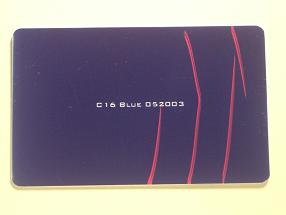
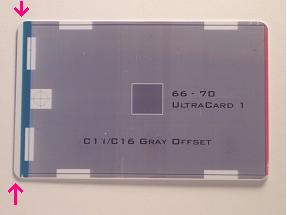
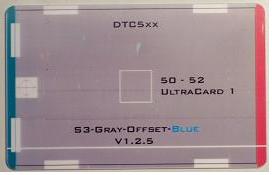
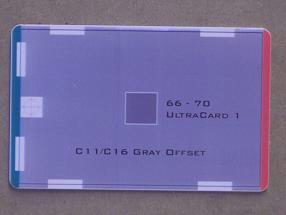
Light edges on the bottom of this card indicate that there is not enough printhead pressure on the bottom edge of [...]

Fargo DTC550 Printhead Angle Adjustment

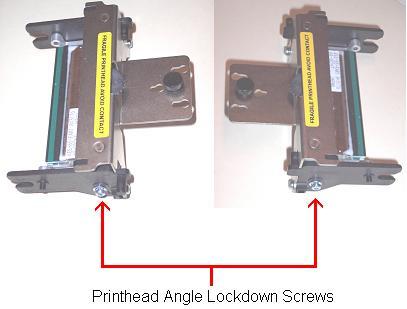
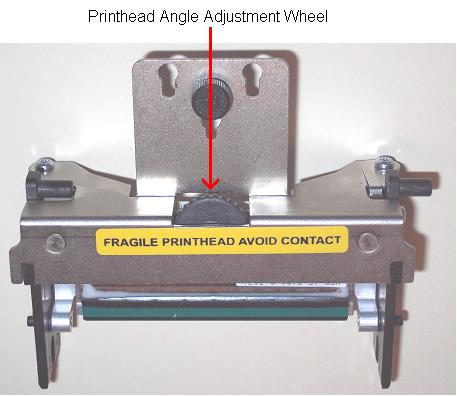
The following procedure, provided by technical support representiaves for Fargo printers, can be used to adjust the Printhead Angle on the Fargo DTC-550 series printers. When bar codes print too light and also darker on the same card in the same printer pass, you may be directed by a technical expert to adjust the angle [...]

Fargo DTC550 Peel Off Bar Adjustment

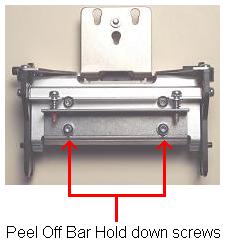
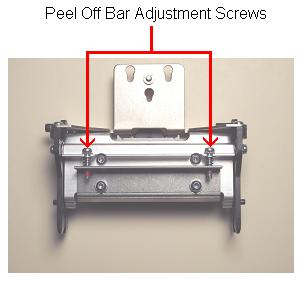
Ribbon Peel-Off Bar Adjustment

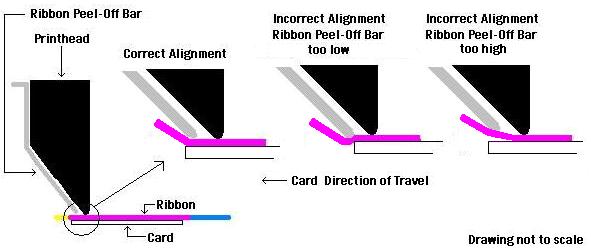
The following procedure can be used to adjust the Ribbon Peel-Off Bar on the Fargo DTC-550 series printers. You may need to adjust the peel off bar when the color printed on the platic ID card from the printer is not consistant in intensity across the entire surface of the card.

[...]

Fargo DTC550 Printer Head Pressure Adjustment

Head Pressure Adjustment

The following procedures provided from technical support personel are offered to balance the printhead pressure on the DTC-550 series printers. You may need to balance the printhead when the edges of the top or bottom of the the plastic ID card print too light.

Warning! Remove all jewelry, rings, watches, bracelets etc. [...]

Download the Fargo HDP5000 Driver for Apple OS X Operating Systems

If you are operating a Mac computer and a Fargo HDP5000 ID card printer, you will need to download the Mac driver for the HDP5000 card printer. Standard drivers included with the printer are for PC computers. Directions from HID Global tech support for the Mac driver download are as follows:

1. Open your web [...]

Upgrade Persona C30e printers using the Fargo Workbench Utility

Following are instructions to update the Fargo C30e printers using the Fargo Workbench Utility.

1. Click the round Application button in the upper left corner of the Workbench Utility and choose “Upgrade Firmware”

2. Click the “Browse” button to browse to the firmware file. Be sure the file has been unzipped.

[...]

Fargo C30e – How to Install a Printer Driver

This guide shows how to install a Fargo USB printer driver using a Fargo C30e printer. The steps are very similar for all Fargo USB printers.

1. Begin by unzipping the downloaded printer driver. Use the Windows Explorer to browse to the location you downloaded the printer driver.

2. Right click the file [...]

Fargo C30e – Downloading the Printer Driver

To download the current printer driver, firmware and Workbench utility for the Fargo and Persona printers, visit the HID tech support website to obtain the most current version of the files. They can be downloaded here.

1. Under “What type of product” select “printer” from the drop down list.

[...]

How To Uninstall a Fargo Print Driver

There are times when a print driver will need to be uninstalled from your photo ID card printer. An example of this may be when you are needing to update the printer driver and and software in your Fargo ID card printer.

Following are step by step instructions for how to uninstall the Fargo print [...]

The New Fargo DTC Printers

A breakthrough in direct to card printing, the Fargo DTC printer/encoders are illustrated in the following HID Global produced video. These new printers produce a fantastic ID card at an affordable price point.

Fargo DTC1000 Hassle free ribbon installation Easy, plug and play printing Easy to use Swift ID card application at no additional [...]